

Advertorial · Paid promotion

BannerBurst

Why Does One Website Load Faster Than Another?

Click a link and, in a good moment, the page is just there before your thumb has left the trackpad. Click another and you're watching a bar crawl across the top while a blank rectangle where an image should be refuses to fill in. Same laptop, same Wi-Fi, same you. So what gives?

Get Total Adblock

Sponsored content. Availability, features and pricing may vary by region.

A person typing on a laptop at a busy desk with headphones and a notepad

The easy answer is "my internet's slow," and sometimes that's true. Usually it isn't the whole story. A page's speed is the sum of a lot of small decisions, some made by the site's builders, some made by you without realizing it, and a few made by whatever your connection happens to be doing that second. Once you can name the pieces, a sluggish page stops feeling like bad luck and starts looking like something you can actually do something about.

1. Some pages are just carrying more

Picture two articles that look nearly identical: a headline, a few paragraphs, a photo or two. One loads instantly; the other stalls. The difference is often everything you don't see at first glance.

A plain text-and-images page asks very little of your browser. A modern page frequently asks for a great deal, a video player warming up, animations, a live chat widget, an embedded map, a social feed, a "you might also like" panel quietly assembling itself. Each of those is another thing the browser has to fetch and piece together before the page feels ready. Two sites can read the same to you and behave completely differently underneath, simply because one is doing five jobs while the other is doing fifty.
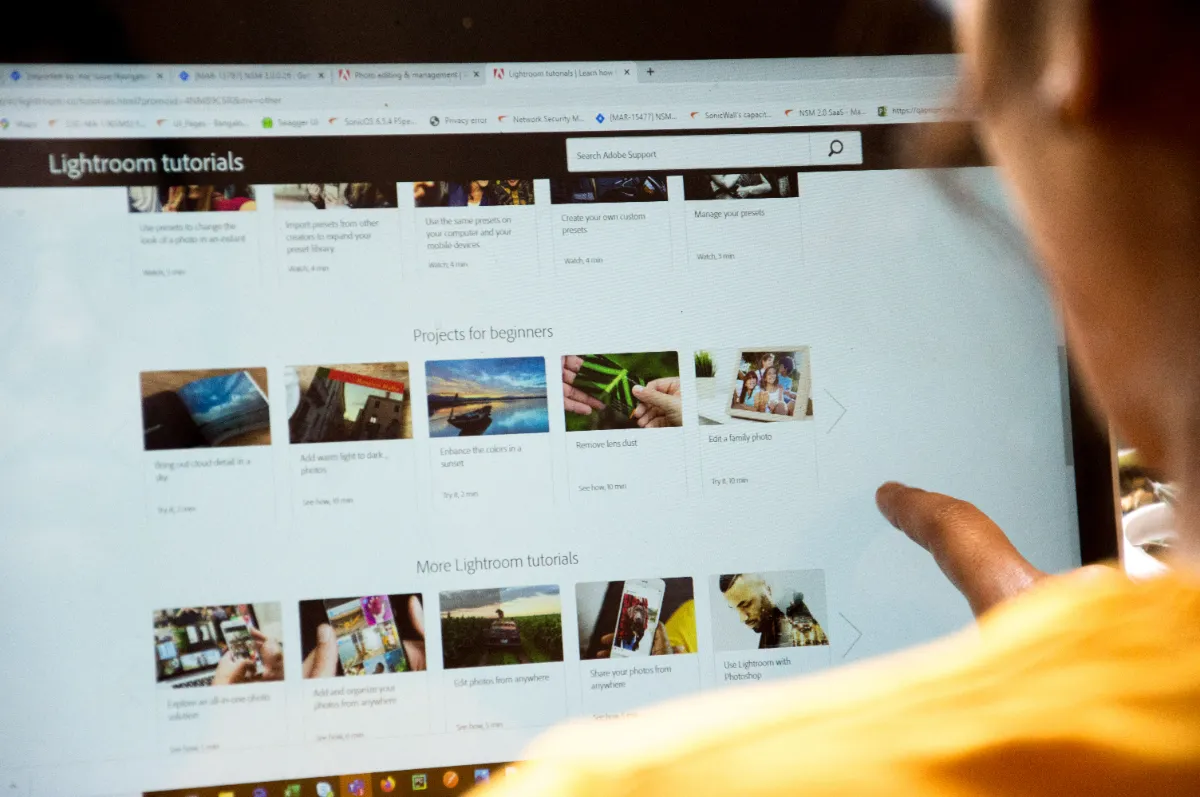
A person browsing a page densely packed with thumbnail tiles on a large screen

2. Big images and autoplay video cost you

Visuals make the web worth looking at, but they're rarely free. A high-resolution photo that nobody bothered to compress can be several times larger than it needs to be, and every one of those extra megabytes has to travel down to your device before it appears.

Video raises the stakes further, especially when it plays on its own the moment you arrive. Now your browser is pulling a heavy file you didn't even ask to watch. Developers have ways to soften this, compressing images, using modern formats, holding back content until you scroll near it, but here's the catch: you don't get a vote on how someone else built their site. You only get to feel the result.

3. The scripts you never see loading

Almost no website is built entirely by the company that runs it. Behind the scenes, a single page often reaches out to a handful of other companies for help.

An analytics tool to count visitors. An ad platform to fill the banner slots. A support widget so you can start a chat. A social button here, an embedded post there. Each of those is a third-party script, and each one is extra work the browser has to finish before the page becomes fully responsive. None of them is villainous on its own; they're normal parts of running a site. But pile enough together, particularly the advertising and marketing kind, and the page spends noticeable time wiring itself up before it lets you touch anything.

4. Your browser might be the bottleneck

It's worth turning the lens around, because the site isn't always at fault. Sometimes the drag is coming from your side of the screen.

An outdated browser misses the performance improvements newer versions ship with. A wall of open tabs quietly eats memory, and each tab may be running its own scripts in the background. A stack of extensions, especially ones you installed for a single task months ago and forgot, adds its own overhead to every page you open.

The fixes are refreshingly dull, which is exactly why they work. Update your browser so you're actually running the current version. Close tabs you've finished with instead of collecting them. And every so often, walk through your extensions and remove the ones you no longer use. A leaner browser has less to juggle, and pages feel it.

5. The connection still counts

None of this means your internet is off the hook. A slower connection genuinely lengthens the time it takes to pull down images, video, scripts, and the rest of a page's ingredients.

Congestion matters too. If someone at home is streaming in 4K while another device downloads a game update and a third is on a video call, there's only so much bandwidth to go around, and the webpage you're waiting on ends up at the back of the queue. A quick way to tell where the trouble lives: if one specific site crawls while everything else is snappy, the site is probably the issue. If everything is slow, look at your network first.

6. Advertising adds weight you can feel

Ads keep a huge share of the free web running, so this isn't a call to resent them. It is worth being honest about what they cost, though.

A busy page can carry banners across the top, a video ad primed to play, a pop-up angling for your email, and promotional widgets tucked between paragraphs. Beyond crowding the screen and pushing the content you came for further down, those elements ask the browser for more resources and, often, more of those third-party scripts from section three. Visual clutter and technical clutter tend to arrive together. Thin out one and you frequently thin out the other, which is why cutting intrusive advertising can make a page feel both cleaner and quicker to use.

How Total Adblock can help reduce web clutter

That's the gap the Total Adblock Browser Extension is built to close. It's designed to reduce intrusive ads across many websites, and by blocking supported advertising elements it helps strip out a layer of the distraction, and some of the extra load, that comes bundled with heavy ad-laden pages. It may also block many web trackers, handing you a little more control over aspects of your privacy while you browse.

One line worth stating plainly: Total Adblock isn't antivirus software, a malware remover, or a complete cybersecurity solution, and it shouldn't be mistaken for one. It won't scan your device or fend off threats that dedicated security tools handle. What it does is trim advertising-related clutter, working alongside your browser's built-in privacy controls and good everyday habits rather than replacing any of them. The payoff is simple and practical: with fewer ads competing for space, it's easier to focus on the article, product page, or whatever you actually opened the tab for.

A faster internet isn't always the whole answer

So the next time a page drags, resist the reflex to blame your connection and leave it there. The real cause is usually a blend, how the site was designed, how heavy its media is, how many third-party scripts it leans on, how much advertising it stacks up, plus the state of your browser and whatever your network is handling at that moment.

You can't rebuild someone else's website, but you can tidy your own side of the equation. Keep your browser updated, close the tabs you're done with, prune extensions you don't use, and cut down the unwanted clutter that crowds a page. Small habits, real difference.

What Total Adblock costs

There is a free browser extension and one paid tier. These are the figures published on the Total Adblock pricing page.

Free extension

$0browser extension

Install the extension and start with a 7-day free trial of the premium features. After the trial you keep the basic adblock features for free.

  • 7-day free trial of the premium features
  • Basic ad blocking stays free after the trial
  • Works in Chrome, Edge, Opera and Safari
  • No personal details needed to install
Add the free extension
Paid plan

Total Adblock Plus

$99per year

The paid tier published on the Total Adblock pricing page. Renews automatically until cancelled.

  • Block banner, pop-up and video ads
  • Stop online trackers and scripts
  • Tailor your adblocking preferences
  • Faster page load times
  • Cancel anytime
  • Money-back guarantee, subject to terms
See the offer

Pricing shown as published on totaladblock.com at the time of writing. Plans renew automatically until you cancel. Monthly, quarterly, biannual and annual terms are offered, and prices, promotions and available terms may vary by region and change over time. Refunds are subject to terms.

Subscription and refund questions

Answers as published by Total Adblock. Check the provider's own site for the current terms.

What plans does Total Adblock offer?

Monthly, quarterly, biannual and annual subscription plans are offered, and they automatically renew unless cancelled. Unless you cancel before the end of your initial term, your plan renews at the then-regular rate and continues to do so until you cancel.

How do I cancel my plan?

Log into your online portal and open the My Subscriptions section. Total Adblock publishes a step-by-step cancellation guide in its help centre if you would like to follow it through.

How do I receive a refund?

You must first fully terminate your subscription — turning off auto-renewal on its own does not end your access or trigger a refund. You are eligible if you request within 30 days of starting an annual or biannual plan, or within 14 days of starting a monthly or quarterly plan. If approved, access ends immediately.

Is Total Adblock antivirus software?

No. Total Adblock is not antivirus software, a malware remover, or a complete cybersecurity solution, and it should not be treated as one. It will not scan your device or defend against threats that dedicated security tools handle. It reduces advertising-related clutter and supports your privacy alongside your browser's own controls.

What if I have several Total subscriptions?

If you have bought more than one service from Total Adblock or a related Total Security brand such as TotalAV or Total VPN using the same email address, the plans may appear under a single login for convenience. Each subscription is still managed — and cancelled — individually.

What users actually say

Real reviews from the Total Adblock listing on the Chrome Web Store, quoted as written.

3.3out of 5
3 out of 5

2.9K ratings on the Chrome Web Store · 800,000 users

See all reviews
5 out of 5Aug 5, 2026
I do like some ads and I want access to some of my notifictions for my business, and lets see how this works out,

joan mccoy

Chrome Web Store review

4 out of 5Apr 30, 2026
many years a customer, but what is annoying is you send pop ups just as bad as any site to bully me to pay up, I cant on time, because i have cancer and live on a benefit for the invalids, I also hate you tube saying turn off your total AV…

dj Toni Tonton New Zealand

Chrome Web Store review

4 out of 5May 9, 2026
I just downloaded so I cannot say much at this tie. The download was easy.

Louis Payton

Chrome Web Store review

1 out of 5Jul 30, 2026
Virtually every website I try to go to Totaladblock sends a msg. that the site is low confidence. Why doesn't the 'Support Livechat' not work? Why doesn't the Totaladblock Support have a category for tecnhnical issues?

Larry Simmons

Chrome Web Store review

1 out of 5May 11, 2026
There is no indication that this is a paid app until you register and by then, there is no way to delete your account.

Eddie Escobar

Chrome Web Store review

Reviews above are real, unedited entries from the Total Adblock listing on the Chrome Web Store, quoted with the reviewer name and date shown there. They are selected to reflect the spread behind the 3.3 out of 5 average from 2.9K ratings — positive and critical alike — and are not endorsements by BannerBurst. Ratings are updated daily on the Chrome Web Store and may not match what is shown here.

Make Your Everyday Browsing Experience Cleaner

If crowded pages and intrusive advertisements are making your time online feel heavier than it should, the Total Adblock Browser Extension may be worth considering. It can help reduce supported ads, cut visual distractions, and block many web trackers while you browse.

Get Total Adblock
Total Adblock Total Adblock Browser Extension
on the Chrome Web Store

This page is a paid advertorial brought to you by bannerburst.com. It is intended for promotional purposes only and should not be considered independent journalism, editorial content, or consumer advice. The content has been created or curated by the advertiser and may include affiliate links. We may receive compensation if you choose to purchase a featured product or service via the links provided. Please refer to our Advertising Disclaimer and Privacy Policy for more information.